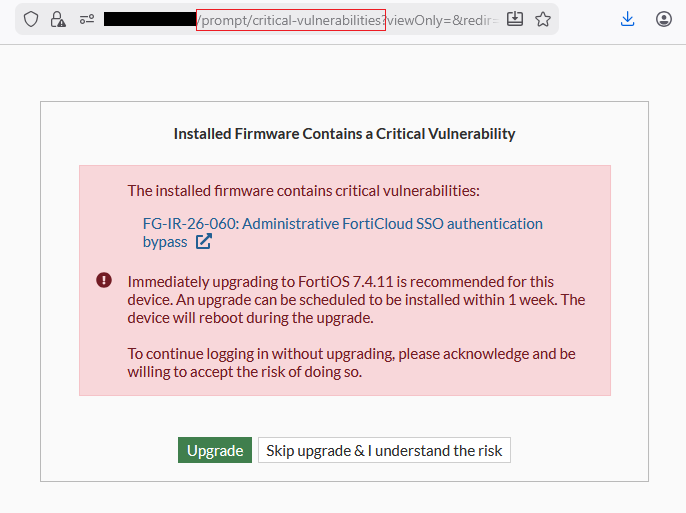
The button “Skip upgrade & I understand the risk” can be used to skip the warning one time. To stop the prompt from appearing again, it can be cleared on the FortiGate as mentioned in the document: One-time upgrade prompt when a critical vulnerability is detected upon login.
To clear the prompt using FortiManager: Go to Device Manager -> Scripts -> Create new -> Set ‘Run on‘ option to “Remote FortiGate Directly (via CLI)” and use the following command and un the script on the FortiGate(s) and on next FortiGate login the message is not displayed:
diagnose report-runner vuln-clean
Following command can be used to get the warning prompt to display again:
diagnose report-runner trigger security-rating-reports